At Wiv.ai we are using PropelAuth for our platform authentication.
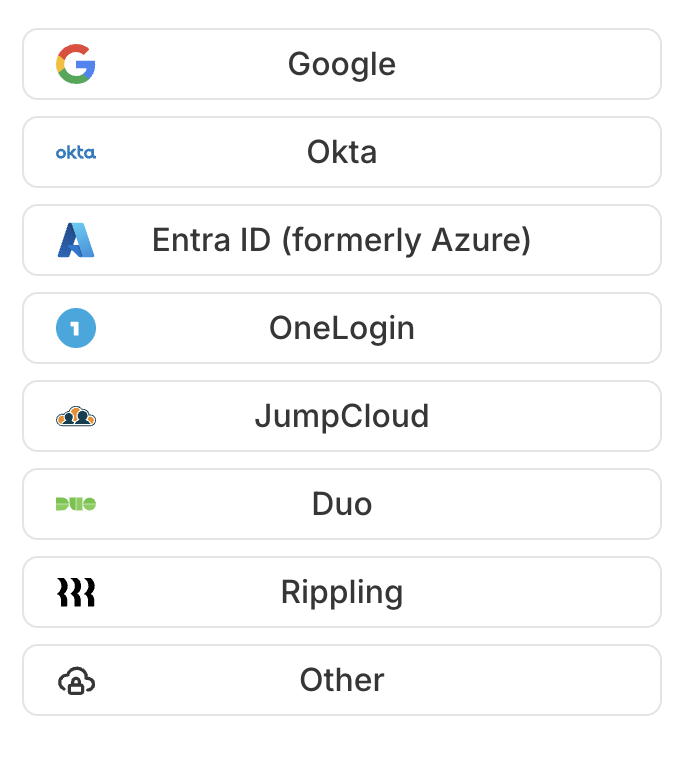
Currently, the following provider are supported
Login to Wiv console and select "Settings"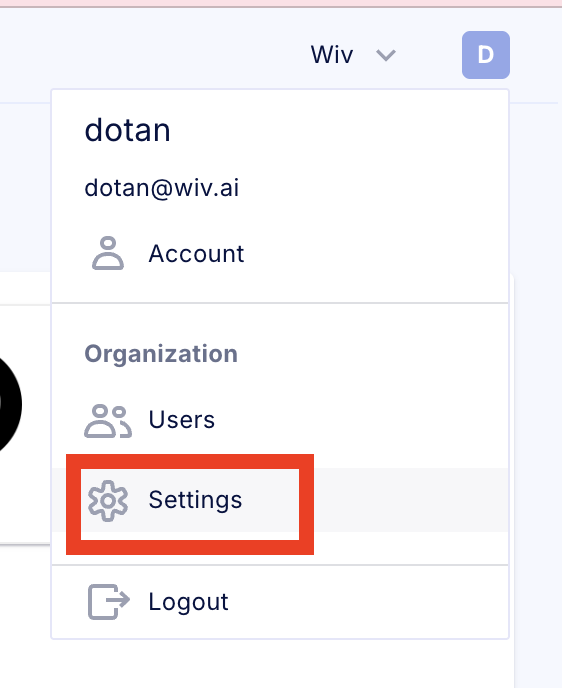
Click on "Enable SAML"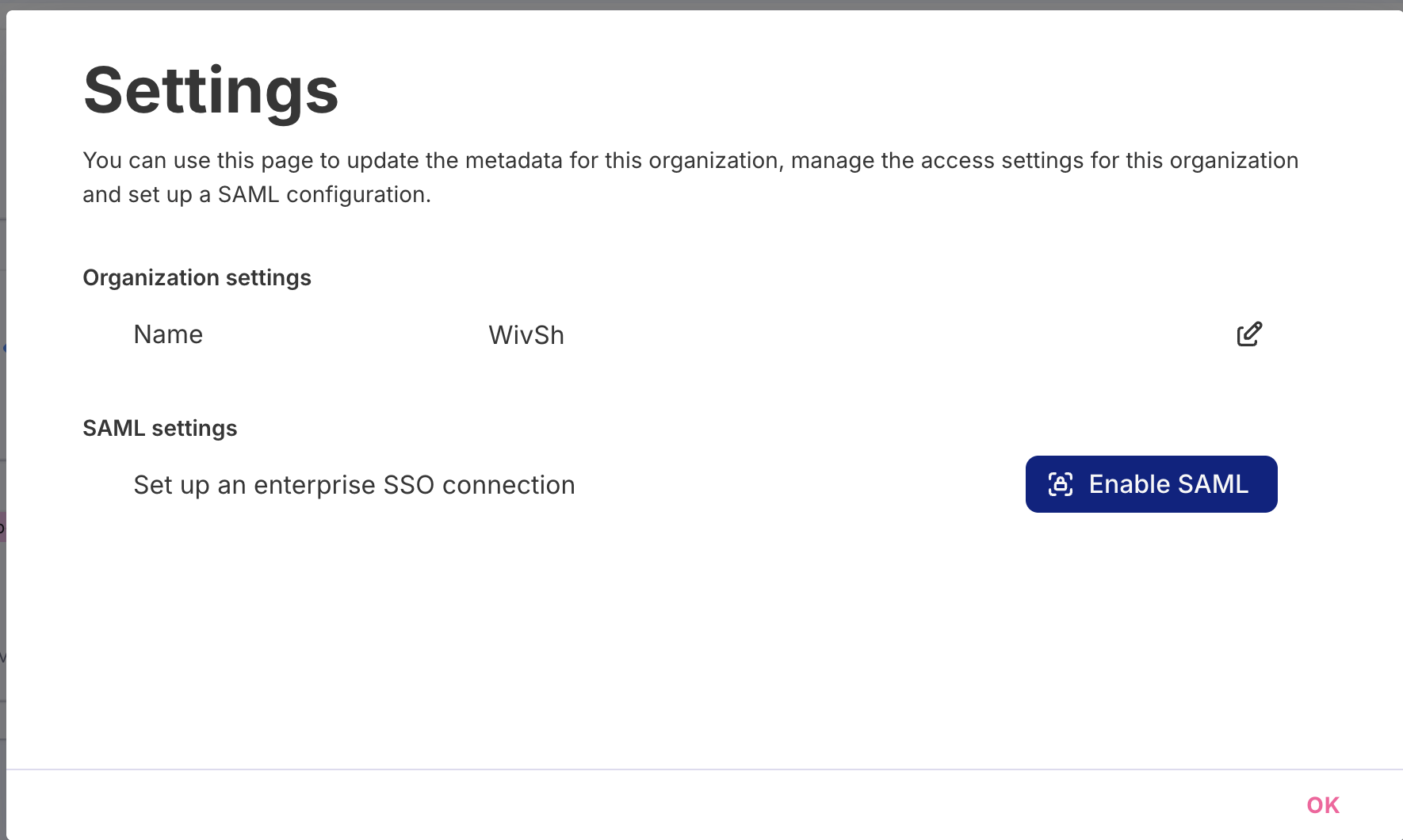
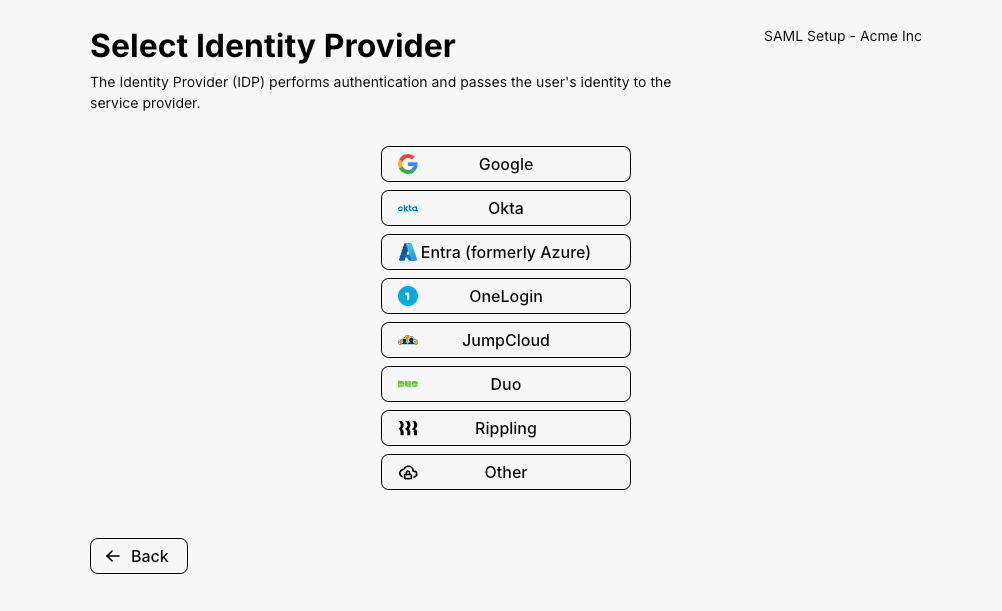
Here is an example Okta integration guide.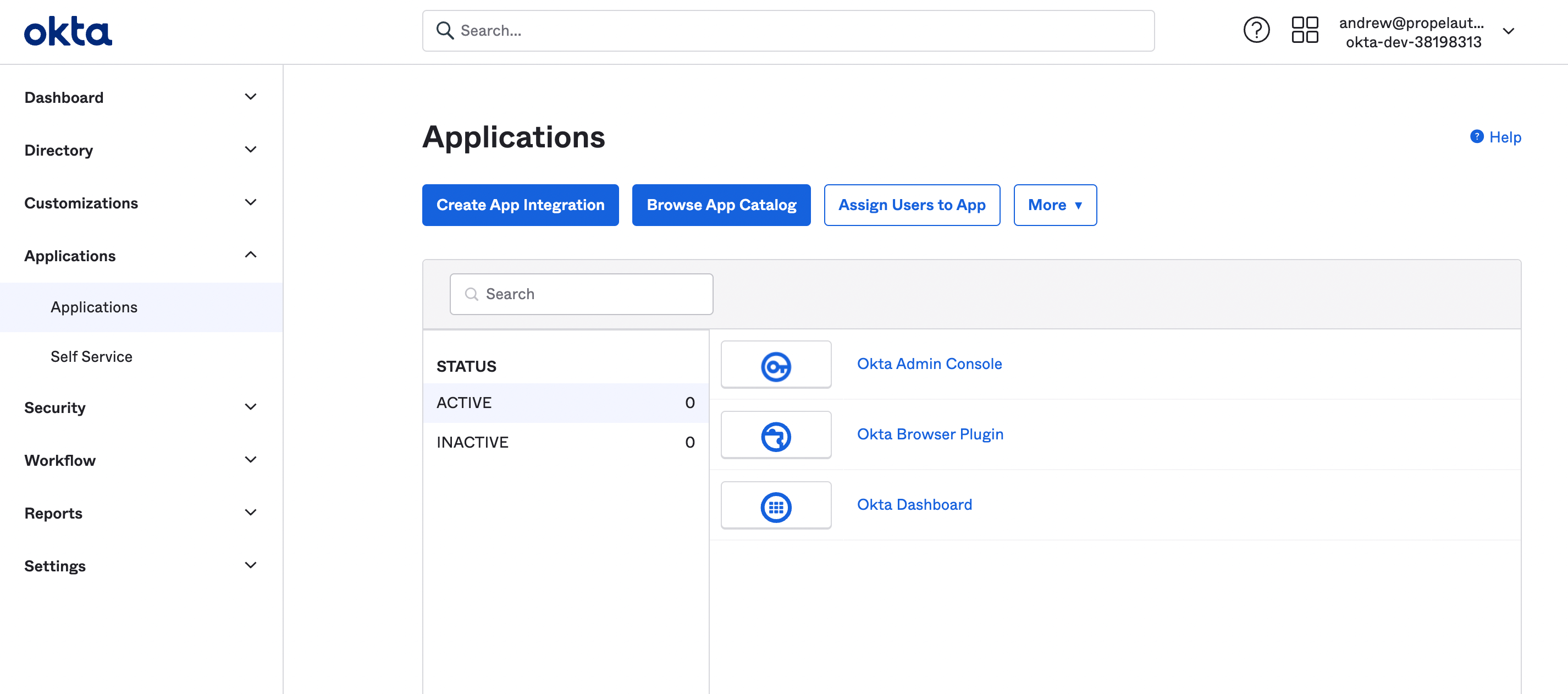 Select "SAML 2.0"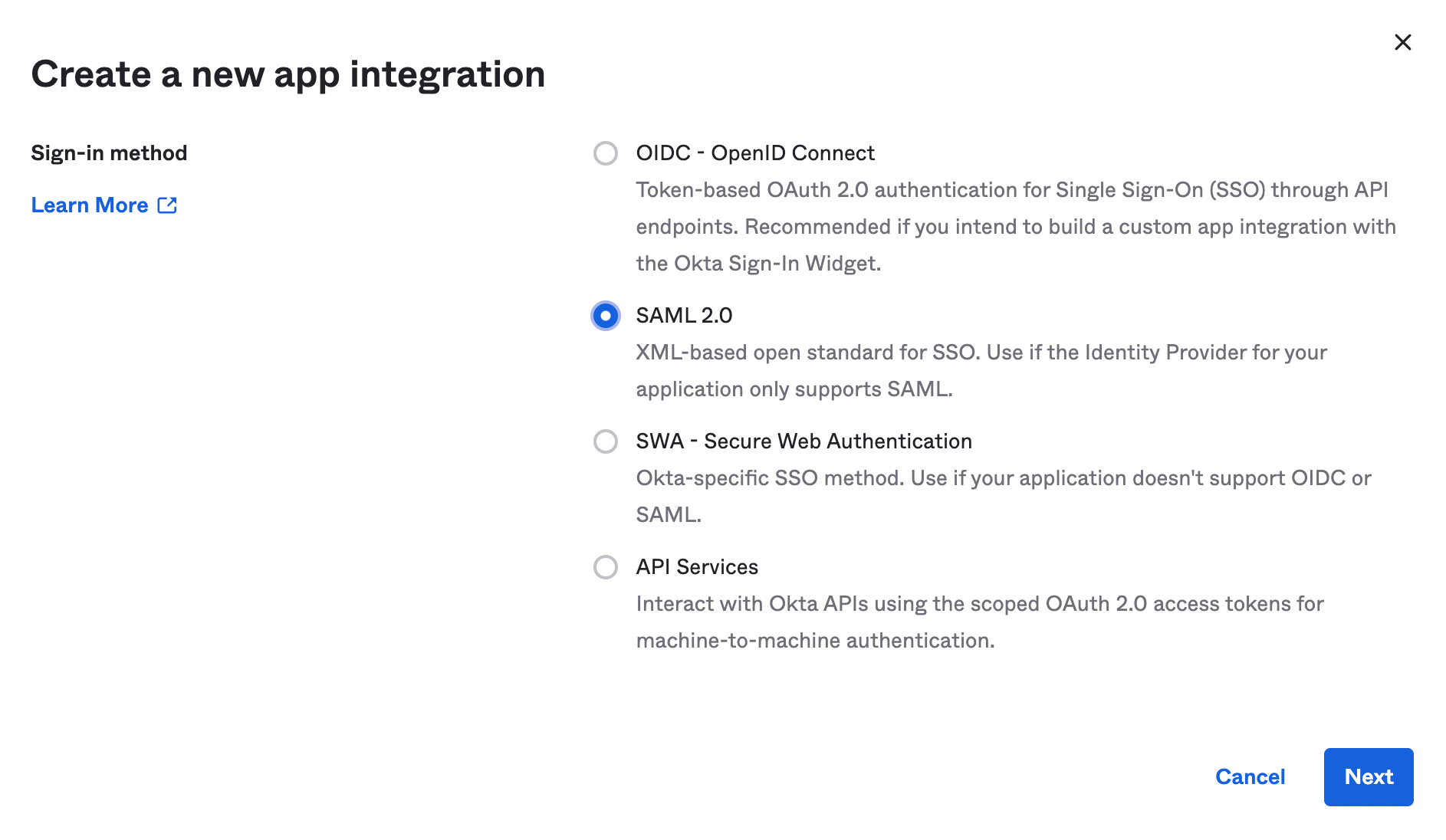
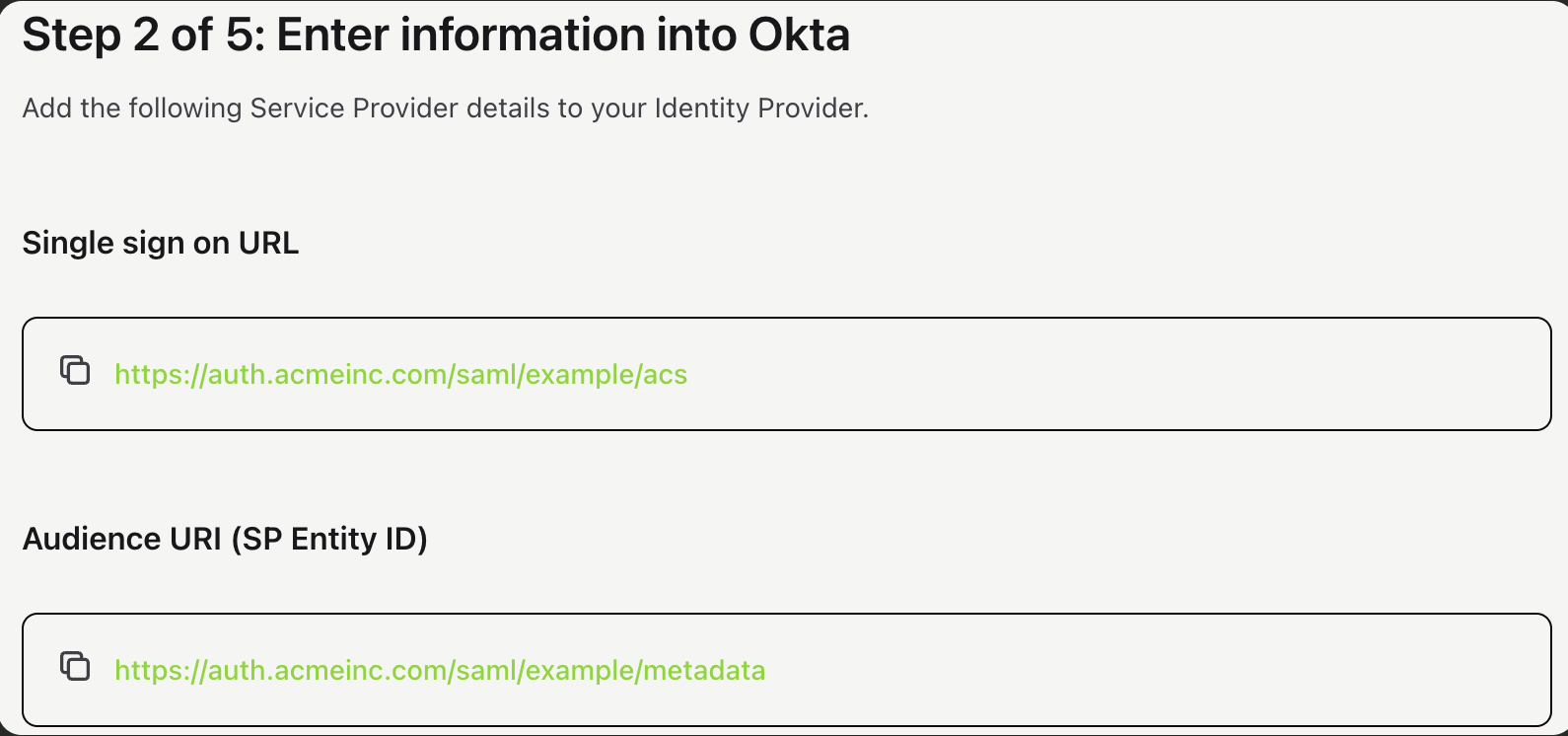
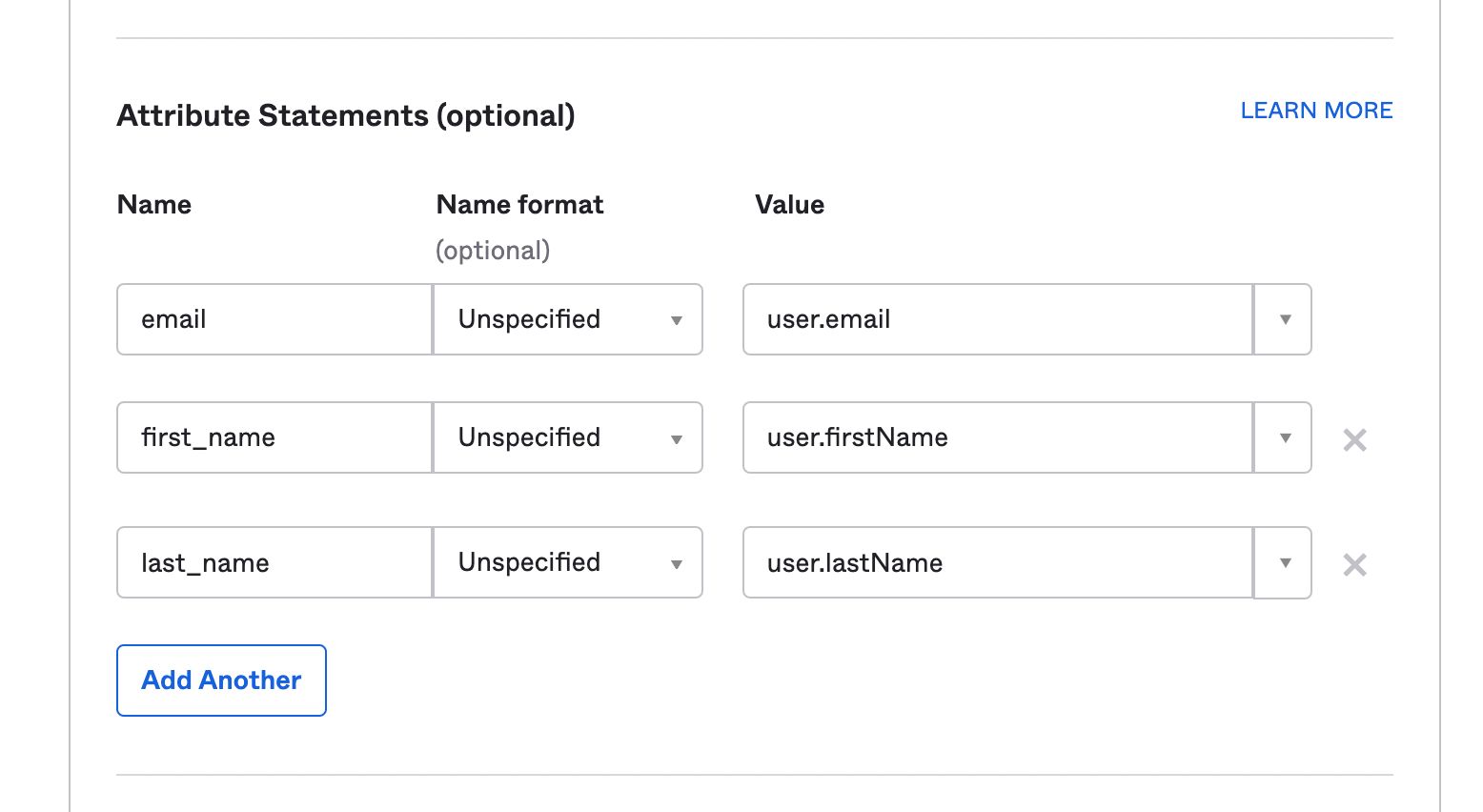

By default, your users will start with the "Member" role. You can provide a more specific role in one of two ways:
Specifying a role Attribute
You can specify one of the roles
- Admin
- Editor
- Member
- Guest
via an attribute.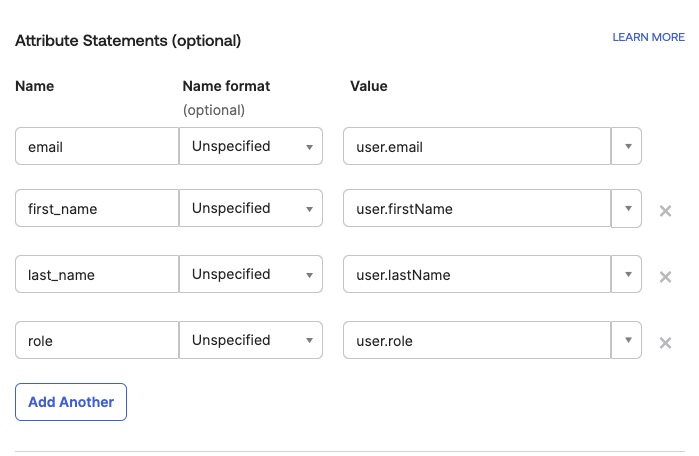
For Azure Entra ID you can map role to a user
You can specify one of the roles
- Admin
- Editor
- Member
- Guest
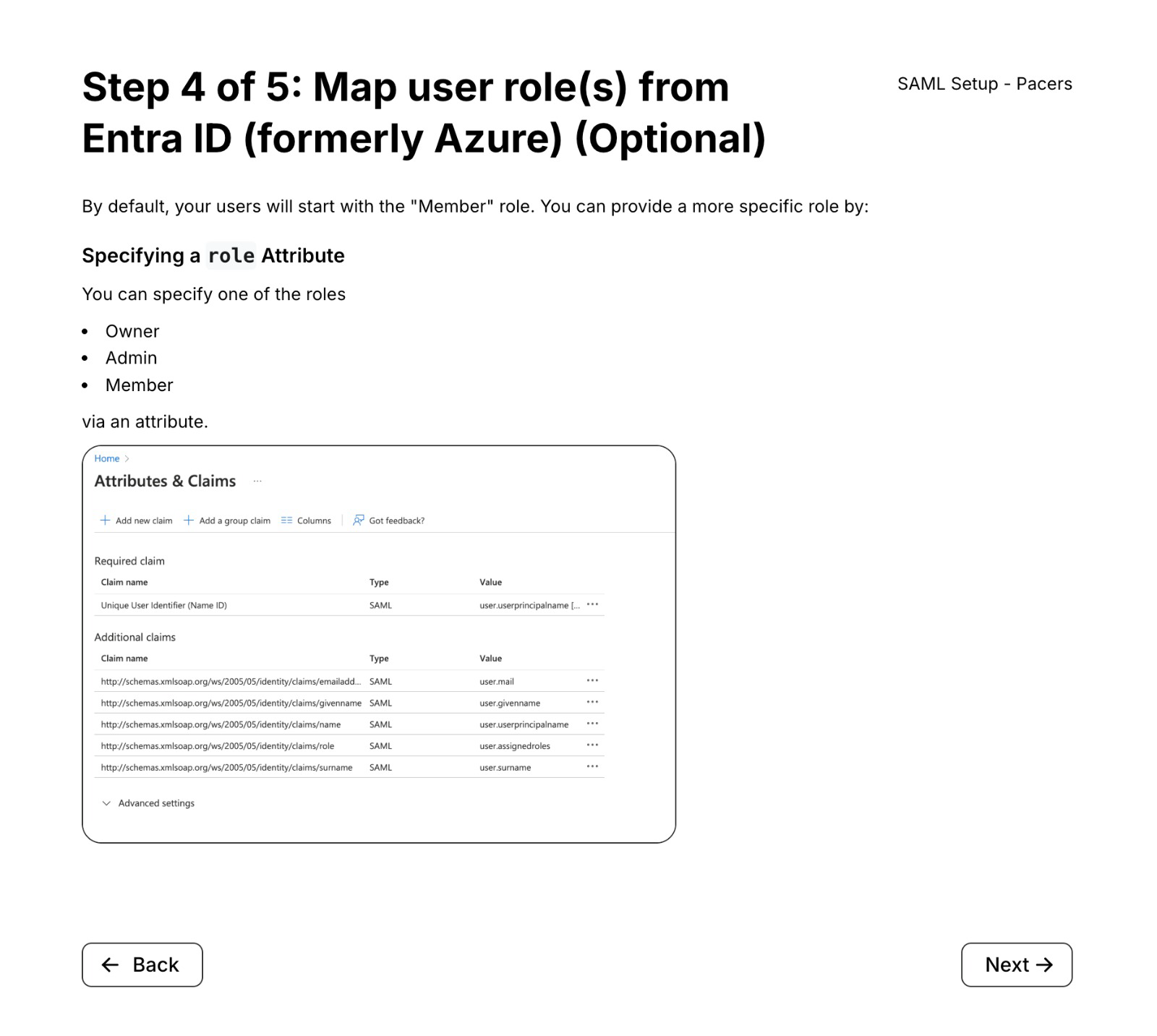
Using Groups (only for Okta and Google)
In some cases, it's nicer to use groups. You can add the user to a group with the name role_{role} (e.g. "role_Admin", "role_Member") A user in the group "role_Admin" will end up with the "Admin" role. For convenience, you can also add an optional description to the group like "role_myApp_Admin" to help you distinguish between different applications in your IDP.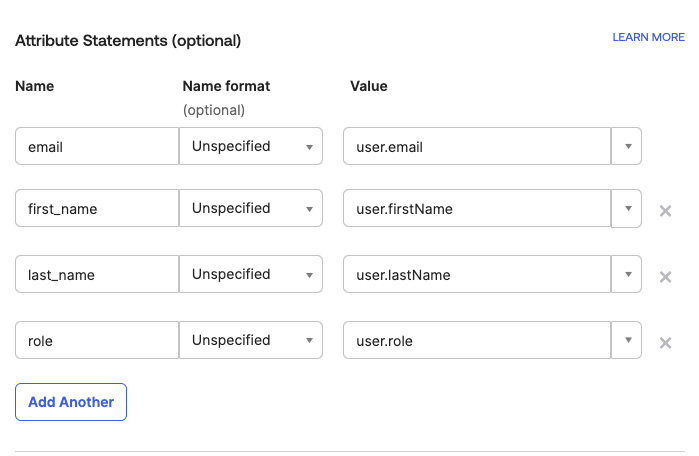
In Google map the attribute like so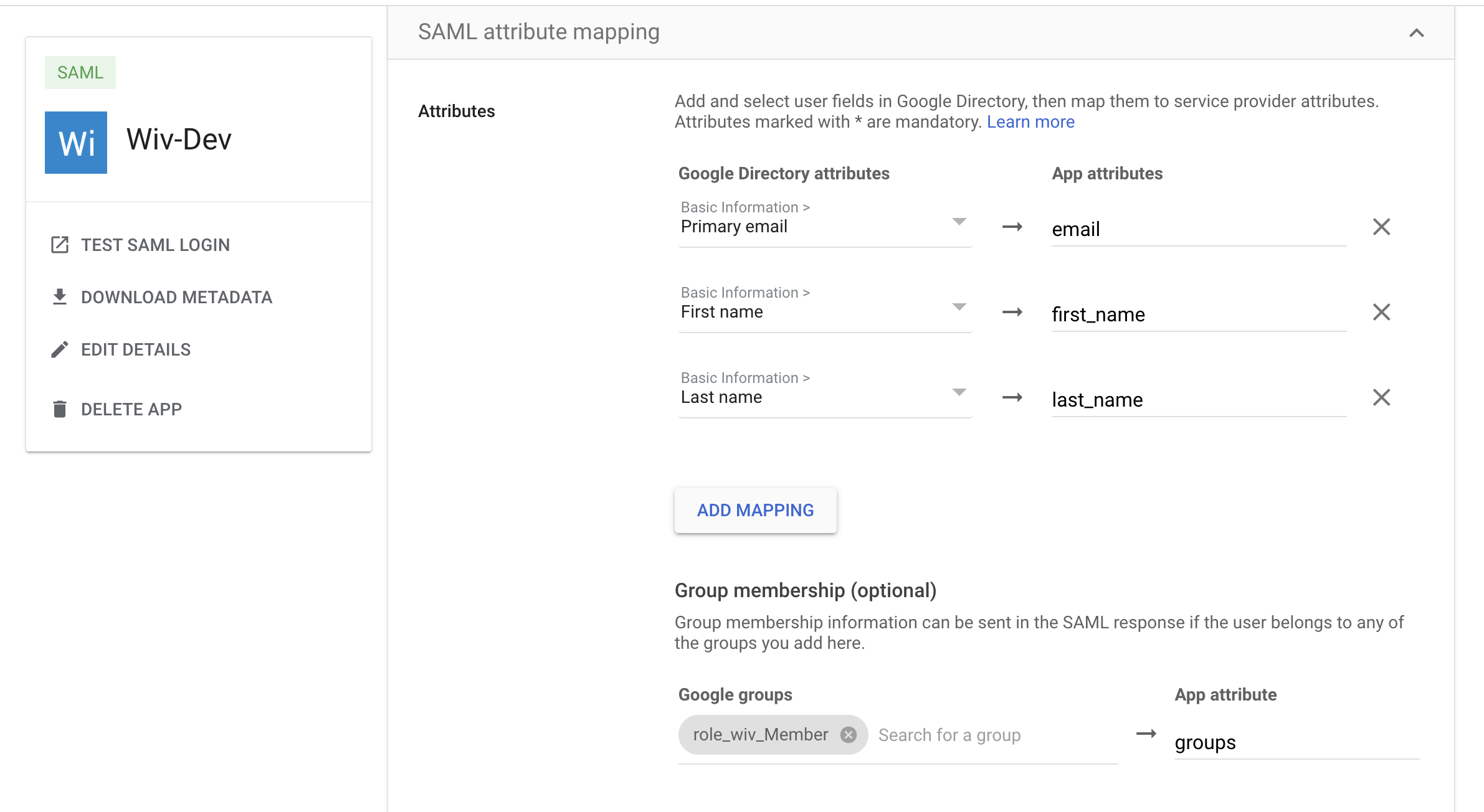
Was this article helpful?
That’s Great!
Thank you for your feedback
Sorry! We couldn't be helpful
Thank you for your feedback
Feedback sent
We appreciate your effort and will try to fix the article