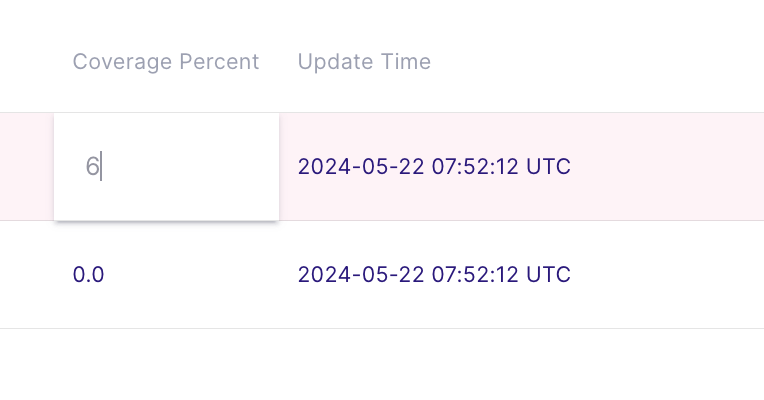
To edit a value in a specific datastore, follow these steps:
Go to the page of the specific datastore.
Find the record you want to modify.
Double-click the cell containing the value you wish to change.
Enter the new value directly into the cell.
finish editing by pressing the Enter key or clicking outside the edit area